Pages

Search This Blog

Showing posts with label burning iso file. Show all posts

Thursday, October 4, 2012

Burning An ISO Files Using PowerISO

      Here are the steps in burning an .iso files using PowerISO tool.

1. First install PowerISO on your computer.(if no installer,you may download here.)
2. After installation you "must" restart your computer.
3. Insert your blank CD/DVD on your CD/DVD writer drive.
4. Then, you may open your .iso files using PowerISO tool.

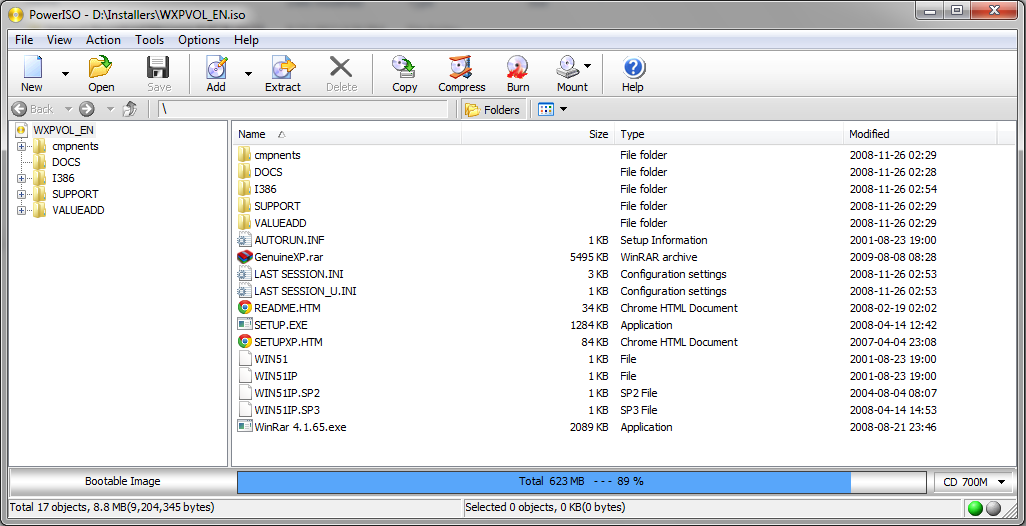
5. Your file will be open in PowerISO tool.


6. Click the "Burn" icon and another window will appear.

7. And finally, Click "Burn" button.


Latest Post

How to download Disc Image of Windows 10 (ISO File)

Popular Posts

In-feed